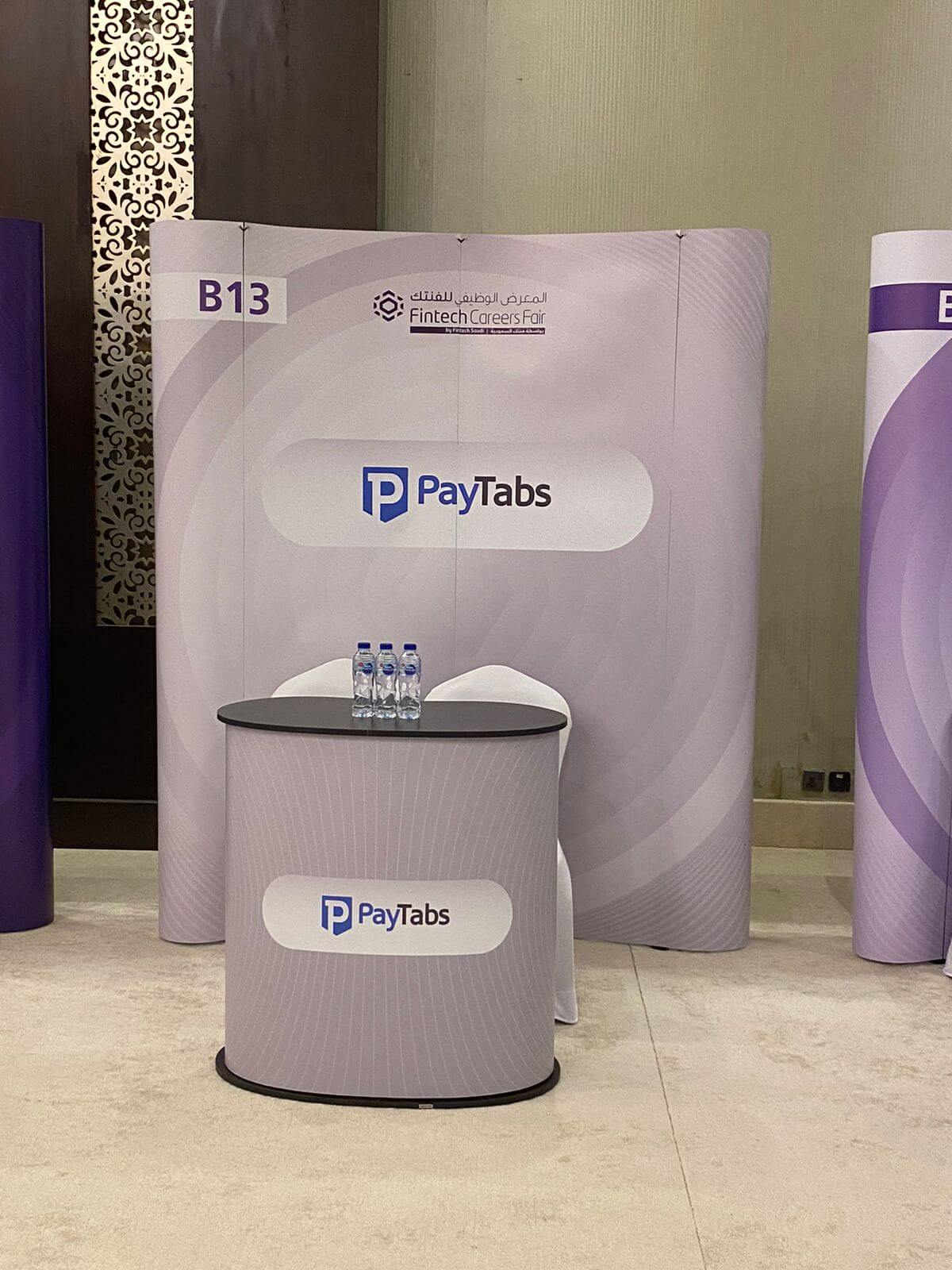
Guest lecture for SP Jain Management students as part of their course on Emerging technologies, platforms, Services for Disruption.
PayTabs UAE GM Neelam Keswani spoke about Payments/FinTech to cover the e-Commerce Payments/FinTech Landscape in the region, various tech concepts in use and latest business cases, opportunities, growth, challenges, and regulations to the next generation of Fintech Stars.
Whether you’re looking to sell your online business, or simply to gauge how much it’s worth, e-commerce valuation is a useful process that’s not always intuitive.
That’s why this article is going to take you through the steps and workflows associated with the task.
We’ll also discuss the reasons why you’d need to conduct a valuation in the first place, as well as covering the factors to take into consideration to help you start off on the right foot.
Importance of business valuation
E-commerce valuation lets you gauge the rate at which your online-based company has grown.
That’s particularly useful if you’re new to the world of e-commerce business, or if you’re looking to grow in the near future–in which case you’ll also benefit from financial technology like Paymes by PayTabs, which helps you get into the e-commerce world more quickly and easily.
Business valuation is also crucial when you’re selling your company. It’s difficult to secure buyers without proof that your company is highly valuable, after all.
By conducting regular or semi-regular business valuations, you can ensure your company is still growing at acceptable rates. You can also compare its estimated growth with its actual growth, which helps you create more accurate estimates in the future.
E-commerce business valuation methods
In order to work out what your business’ total value is, you must first determine what your earnings are, as these make up a major factor in the overall figure. To that end, you can use the following methods.
SDE method
SDE, or Seller’s Discretionary Earnings, emphasizes the importance of your company’s cash flow history. It can be calculated as follows:
SDE = Revenue – Cost of Goods Sold – Operating Expenses + Owner Compensation
As it’s a very straightforward formula and approach, the SDE method is popular among businesses that don’t have specific accounting skills.
EBIDTA method
Short for Earnings Before Interests and Depreciation and Amortization, the EBITDA method determines your e-commerce store’s overall profitability instead of focusing exclusively on its actual profits in a given year.
That’s why EBITDA is more accurate, on the whole.
Mature businesses that aren’t going through sudden growth jumps tend to prefer EBITDA for this reason.
Free to use image sourced from Unsplash
DCF analysis
Another popular method is DCF (Discounted Cash Flow) analysis. This focuses on the future, and on extrapolating based on current facts rather than historical ones.
DCF analysis calculates the future worth of a company based on how long it will most likely take before that business starts seeing ROI on the products they sell. Alternatively, it can consider the length of time it will take before companies get ROI on their customers.
Revenue and growth valuation
This approach is great for e-commerce businesses that focus on rapid, large-scale growth, including startups and other high-value new e-commerce companies.
Obtaining your values in this method is quite simple. All you need to do is set a fixed period, usually a year, and look at the total revenue your company earned in that time. We’ll be taking that number and applying a multiplier to it shortly; this is the earnings multiple.
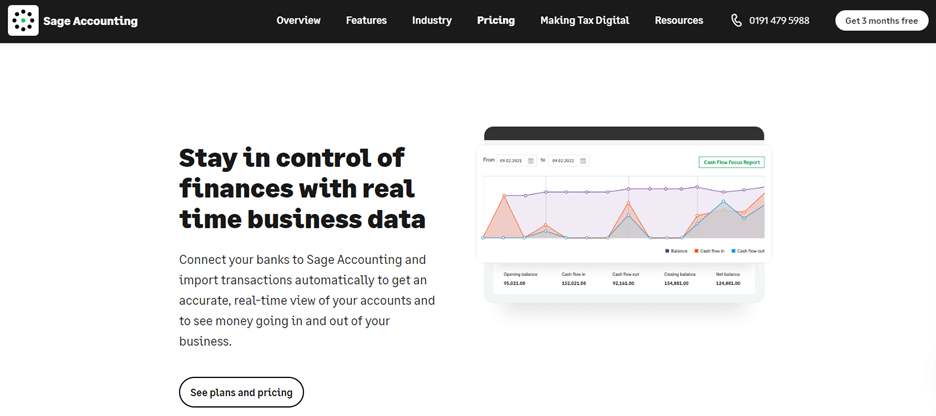
To easily access the data you’ll need for this valuation, you can use specifically designed accounting software for online sellers. This can track and monitor your financial information so you’ll always have access to the necessary data.
Screenshot taken from sage.com
Critical drivers when valuing an e-commerce business
Since a valuation is meant to give an overview of the business’ value as a whole, it has to take a lot of key variables into account.
Here’s a quick overview of some of the other biggest factors to consider.
Business age
How long has your company existed for? If it’s very young, you may have a harder time proving that any financial success it’s enjoyed can be replicated going forward, which negatively affects its value. On the other hand, an older business will have a provable record of surviving difficult times, which improves its overall value.
Financial health and records
Are your records, especially your financial ones, well-organized and easy to use? Anyone auditing your business should be able to find what they need in a matter of minutes. Otherwise, you risk sounding like your valuation is not based on facts.
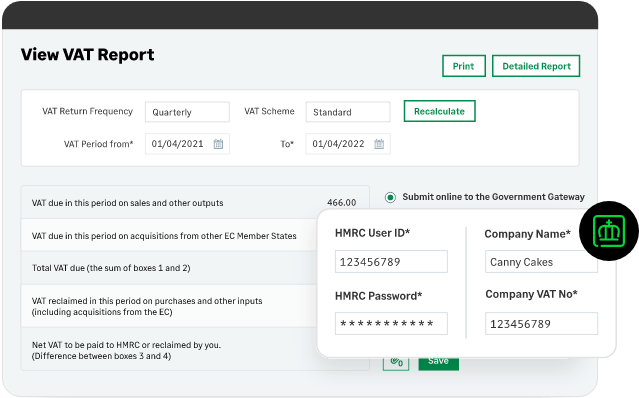
If you’re a UK business owner, getting a headstart on the HMRC’s Making Tax Digital (MTD) scheme will keep your records organized and up-to-date. Even if you’re not based in the UK, adopting a digital approach to your taxes and financial records will keep them streamlined and make backing up your valuation that much easier.
It will also demonstrate to any prospective buyers that you’re ready to handle any new developments quickly and effectively. These could be developments like MTD in the UK or the Federal Decree Law No. 47 that has recently been passed in the UAE.
Does all of your income originate from a single source, or are your sources of revenue more diversified? Do you trade internationally, or is your business focused on dealing with local clients?
A company with high revenue concentration is less likely to sell well, as this creates more liabilities and makes it harder to deal with unpredictable factors in the future (or unprecedented events like the global pandemic).
RRC rate (Refund, Returns, Chargebacks)
Does your company take a hands-off approach to customer relationships, or do you put in active work to educate customers and nurture them? If it’s the latter, you’re likely to see fewer RRCs, since customers will only make educated choices about purchases and are therefore more likely to keep the items they buy.
Website
E-commerce sites can only be profitable when enough people visit them. This is why the levels of traffic your online store sees factor into its earnings multiple. This is because a store that already has high traffic levels as a result of excellent website design has greater value to a prospective buyer.
The takeaway
E-commerce valuation can be difficult, but it’s a very useful process to know how to carry out. When you’re able to value your business accurately, you’ll have a clear indicator of how much it’s worth, and how much it’s grown over the years.
Also, a valuation lets you see your business’ worth in the context of its industry, age, and practices. This helps you get a realistic idea of the total worth of your business whether you’re based in Europe, Middle East, or America.
Bio:
Sage is the global market leader for technology that exists to knock down barriers so everyone can thrive. Millions of small and mid-sized businesses, our partners, and accountants trust our finance, HR, and payroll software to make work and money flow. We digitise business processes, strengthening relationships between SMBs and customers, suppliers, employees, banks, and governments. Knocking down barriers also means we use our time, technology, and experience to support digital inequality, economic inequality, and the climate crisis.
WooCommerce is an open-source e-commerce plugin for WordPress, one of the internet’s most widely used content management systems (CMS). It’s an easy-to-use platform for online stores, which enables users to sell products and services to customers. When it comes to payment options, WooCommerce integrates with various payment gateways, offering merchants a plethora of options to choose from. Choosing the best WooCommerce payment gateway for your store can be tricky, as several factors require careful consideration.
What are WooCommerce Payment Gateways?
A payment gateway is a service that processes payments for online businesses. It’s a third-party service that facilitates secure transactions between a customer and a merchant.
WooCommerce payment gateways are services that integrate with the WooCommerce platform and allow merchants to accept online payments from customers. Payment gateways ensure secure transactions by encrypting sensitive customer data, such as credit card details, ensuring customer trust and security.
Factors to consider while choosing the Best WooCommerce Payment Gateway
Choosing the right WooCommerce payment gateway for your online store is a crucial decision. Here are some factors to consider when selecting the best payment gateway:
Fees and Charges
Various payment gateways charge different transaction fees, setup fees, and other charges. It is essential to consider the cost-effectiveness of the gateway you choose. Calculate the total cost of using the payment gateway, including any fixed and variable fees, and compare it with other payment gateways to determine the most cost-effective option.
Supported Payment Methods
Different payment gateways support various payment methods, including credit cards, debit cards, e-wallets, and bank transfers. It’s crucial to choose a payment gateway that supports the payment methods preferred by your customers. Offering a variety of payment methods can improve the customer experience and increase conversion rates.
Security
Payment gateway security is of utmost importance as it involves sensitive customer data. Ensure that your payment gateway is PCI-DSS compliant and uses encryption technologies such as SSL/TLS to protect customer data. A secure payment gateway helps build trust with your customers and reduces the risk of fraudulent activities.
User Experience
The payment gateway’s checkout process and user interface can impact the customer experience and conversion rates. Look for a payment gateway that offers a smooth and user-friendly checkout process. Features such as one-click checkout, mobile-optimized checkout, and saved payment information can enhance the customer experience and make it easier for customers to complete their purchases.
Integration
Ensure that the payment gateway you choose integrates well with your WooCommerce store and other third-party tools. Consider the tools you use for accounting, inventory management, email marketing, and customer relationship management, and ensure that the payment gateway you choose can integrate seamlessly with them. A well-integrated payment gateway can streamline your business operations and improve efficiency.
Customer Support
Consider the quality and availability of customer support the payment gateway provider offers. Ensure the provider offers prompt and efficient customer support and has a comprehensive support system to address any issues or concerns.
6 Best WooCommerce Payment Gateways for WordPress
1.Stripe
Stripe is a popular payment gateway that allows merchants to accept payments through credit cards, debit cards, and digital wallets. It is easy to set up and offers a smooth checkout experience with features such as saved payment information and one-click checkout. Stripe is also known for its robust security features, including PCI-DSS compliance and fraud protection.
2.PayPal
PayPal offers various payment options, including debit cards and credit cards, as well as PayPal accounts. The payment gateway is known for its ease of use and offers a smooth checkout experience for customers. PayPal also offers a range of security features, including fraud detection, eCheck processing and ACH payments, and encryption technologies.
3.PayTabs
PayTabs is a payment gateway that supports a variety of payment options, including debit cards, credit cards, and e-wallets. This easy-to-set-up payment gateway offers a user-friendly checkout experience with features such as saved payment information and mobile-optimized checkout. PayTabs also offers strong security features, including invoices and QR Codes, encryption technologies, repeat billing, and fraud detection.
4.Authorize.Net
Authorize.Net supports a variety of payment methods, including credit cards, debit cards, and digital wallets. It offers a user-friendly checkout experience and a range of security features, including advanced fraud detection, invoicing, and secure customer data.
5.Square
This allows merchants to accept payments through digital wallets, credit cards, and debit cards. Square offers a seamless checkout experience with features such as saved payment information and one-click checkout. It also provides omnichannel payment, competitive pricing, and first-rate security features, including PCI-DSS compliance and fraud protection.
6.Verifone
This payment gateway was previously known as 2Checkout. It supports a variety of payment methods, including credit cards, debit cards, and PayPal. It offers a user-friendly checkout process, subscription billing, fraud detection, global payments, and encryption technologies.
Benefits of WooCommerce Payment Gateways
WooCommerce payment gateways offer a range of benefits to both merchants and customers. In this section, we will elaborate on some advantages of using a WooCommerce payment gateway.
Increased Security
One of the primary benefits of using a WooCommerce payment gateway is increased security. Payment gateways use encryption technologies such as SSL/TLS to ensure that customer data is secure and protected from fraud and cyberattacks. Payment gateways also adhere to strict security protocols, such as PCI-DSS compliance, to ensure that customer data is handled securely. A payment gateway lets merchants assure their customers that their transactions are safe and secure.
Convenience
Payment gateways offer customers the convenience of paying through various payment methods, including credit cards, debit cards, e-wallets, and bank transfers. By offering multiple payment options, merchants can cater to a broader customer base and improve the customer experience. Payment gateways also facilitate automatic recurring payments, making it easier for customers to pay for subscription-based services.
Global Reach
Payment gateways allow businesses to reach customers worldwide and accept payments in different currencies. By supporting multiple currencies, payment gateways can help merchants to expand their business globally and reach new customers. Payment gateways also facilitate cross-border payments, enabling merchants to sell products and services internationally.
Improved Conversion Rates
A seamless payment gateway user experience can improve conversion rates and reduce cart abandonment rates. Payment gateways offer a smooth and user-friendly checkout process, enhancing the customer experience and making customers more likely to complete their purchases. Payment gateways also offer features such as saved payment information, one-click checkout, and mobile-optimized checkout, which can further enhance the customer experience and improve conversion rates.
Integration
WooCommerce payment gateways can integrate well with various third-party tools, such as accounting software, email marketing services, and customer relationship management (CRM) systems. By integrating with other tools, merchants can automate tasks such as invoicing, email marketing, and customer support, making it easier to manage their business.
Conclusion
Choosing the best payment gateway for your WooCommerce store is essential to your business’s success. It’s important to consider factors such as fees, supported payment methods, security, user experience, and integration when making a decision. WooCommerce payment gateways like PayTabs offer a wide range of benefits, including increased security, convenience, global reach, and improved conversion rates. PayTabs is a one-stop shop for all payment-related issues for start-ups, e-commerce, web stores, or online business owners. It supports multiple payment methods so customers can choose their preferred payment method for your product or service.